Plan like it’s the jet age.

Itineraries, flights, budgets and maps, shared with your group and synced through your own iCloud.

Download on the App Store

Free to download · iPhone, iPad & Mac

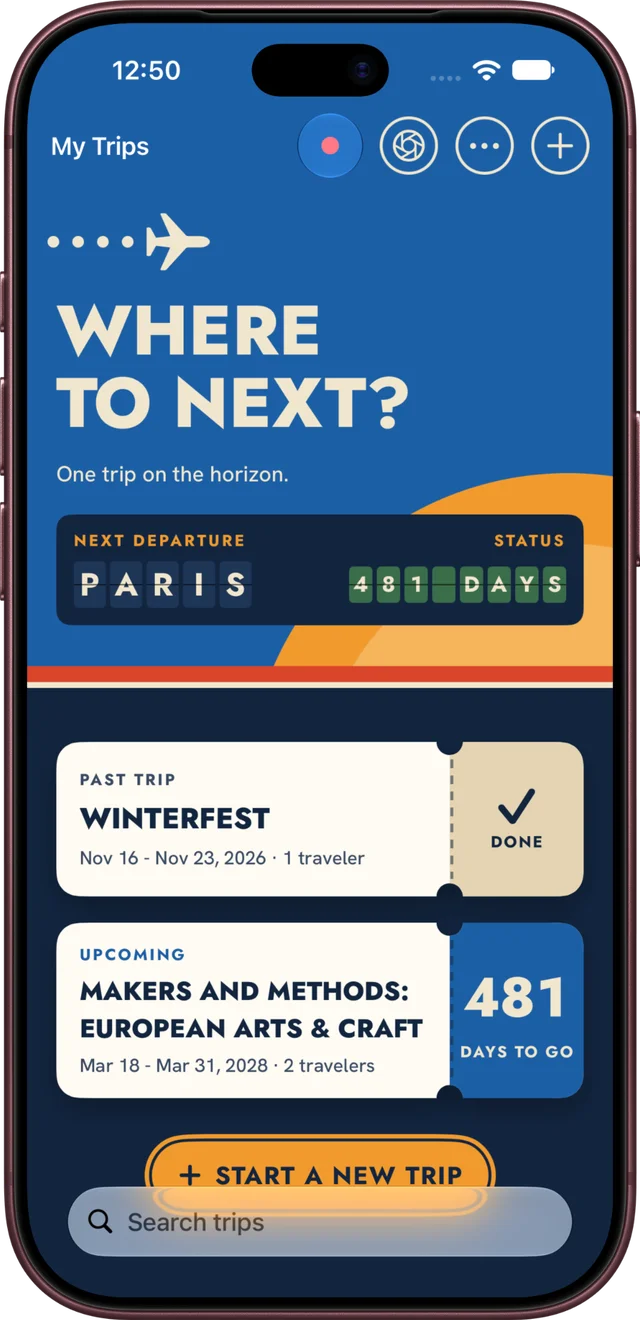
PlanPad My Trips screen on iPhone: "Where to next?" above a departures board reading Paris, 481 days, with a finished Winterfest trip and the upcoming European arts and craft trip.

Made for iPhone Duo.

PlanPad’s layout has been redesigned for iPhone Duo. Unfold it and the extra room goes to your trip; fold it and everything still fits on the cover screen.
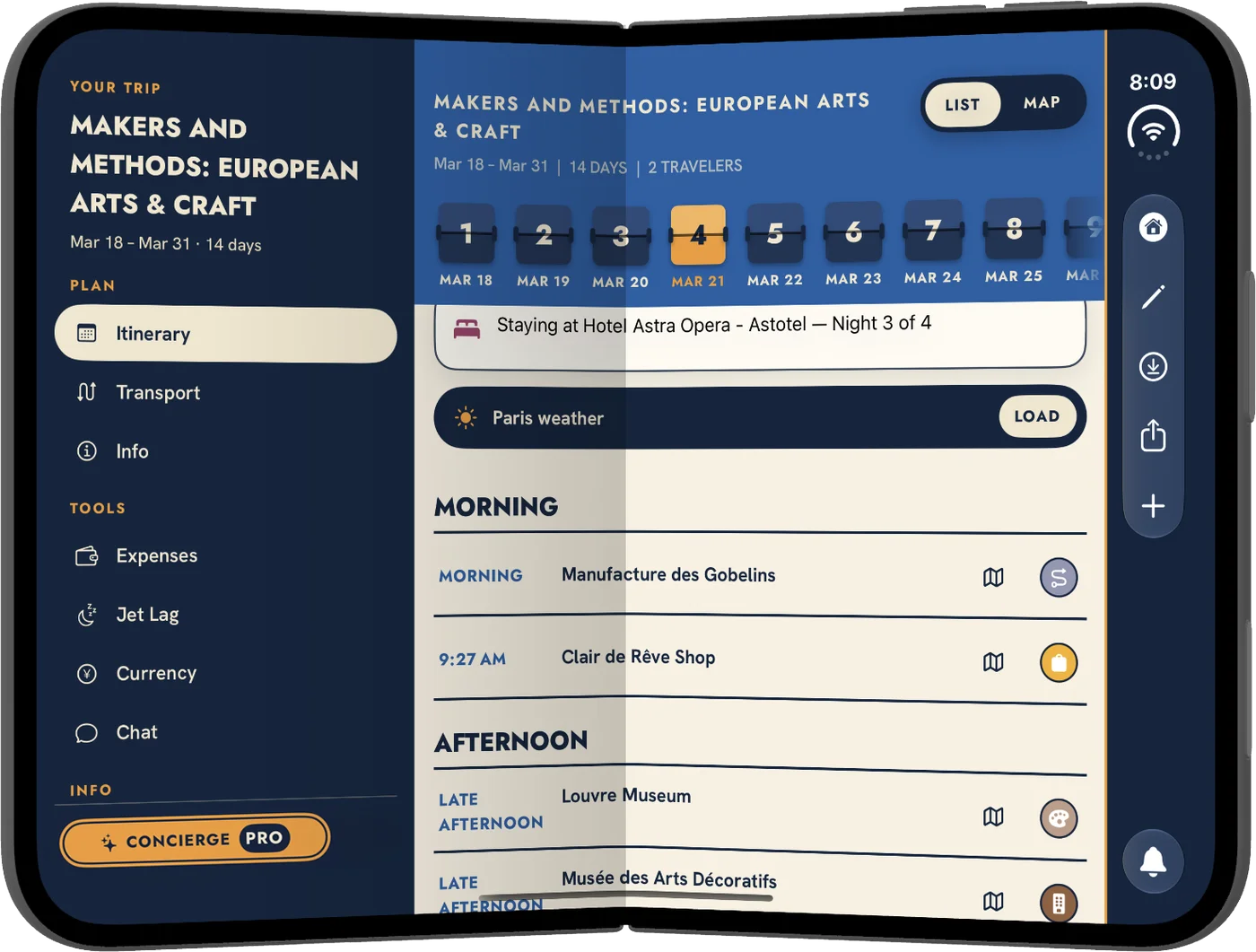
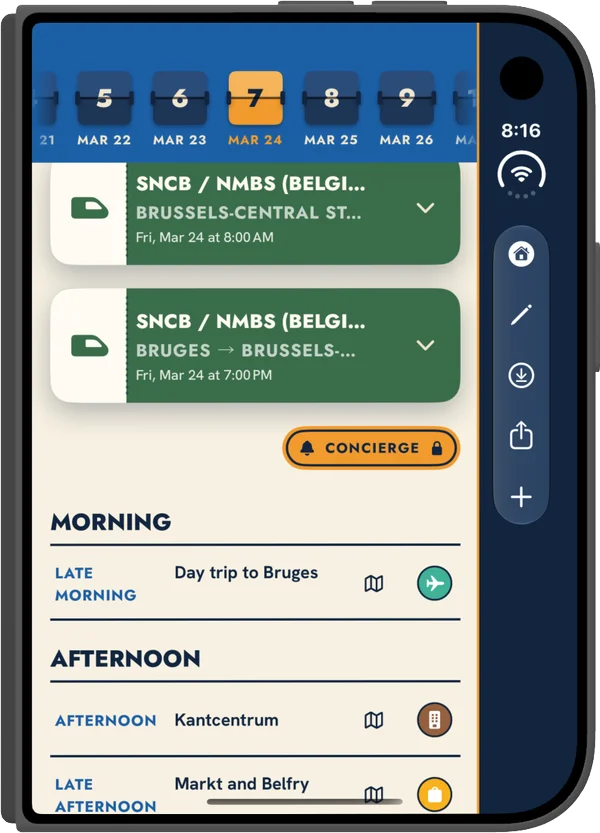
PlanPad on an unfolded iPhone Duo: the trip sidebar beside day 4 of a European arts and craft trip, with the hotel stay, Paris weather and a morning and afternoon of museum and workshop visits. PlanPad on the iPhone Duo cover screen: day 7 with two Belgian rail legs, a day trip to Bruges and afternoon stops.

Every stop, on the map.

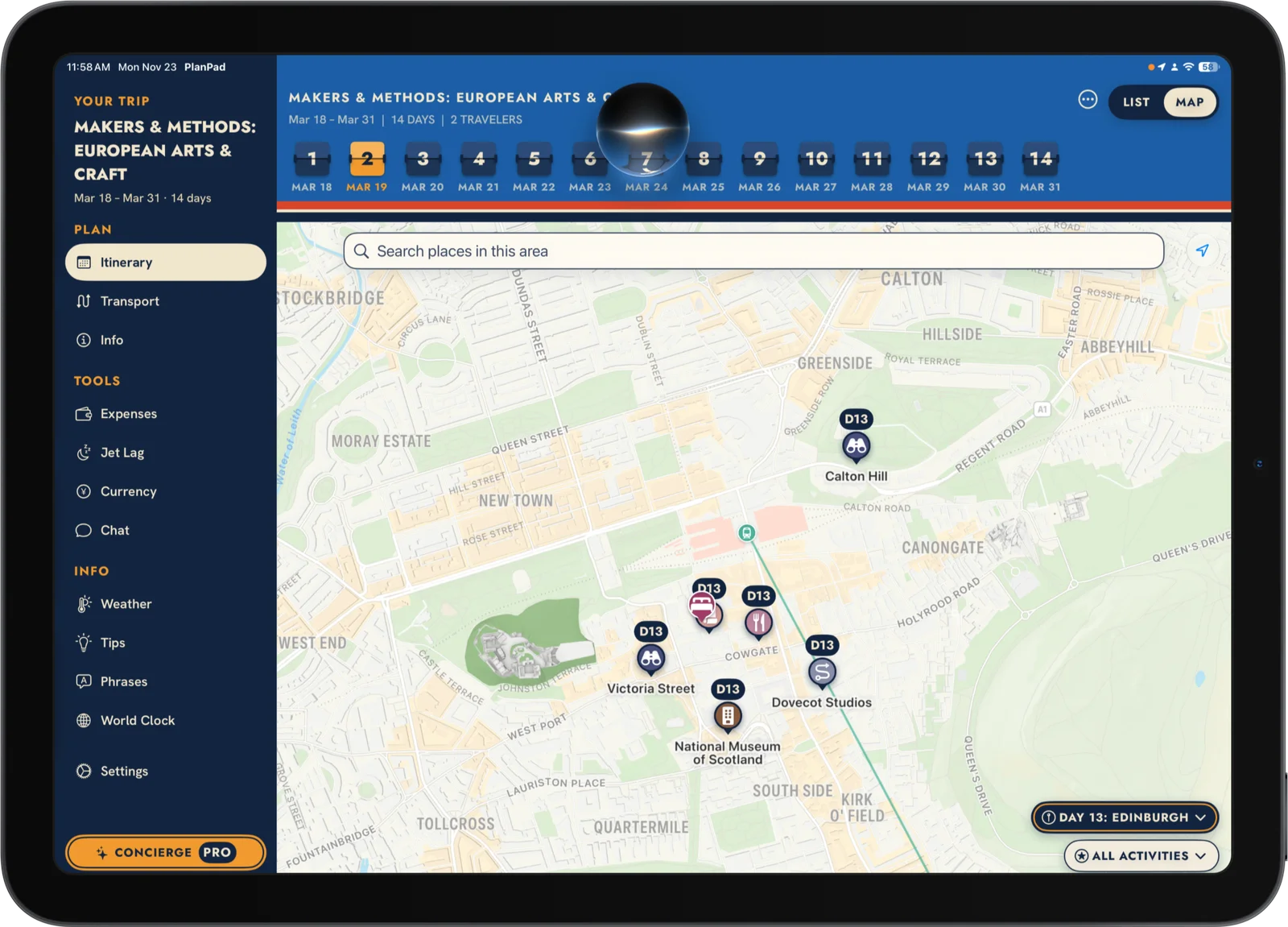
Pin each day’s activities, search for places right on the map, and switch on routes to see how the day flows, from the airport to the hotel to dinner.

  • Day-by-day schedules with times and notes
  • Daily routes and location search
  • Swipe to mark activities done
PlanPad on iPad: the map view for day 13 in Edinburgh, with Calton Hill, Victoria Street, Dovecot Studios and the National Museum of Scotland pinned beside the trip sidebar.

Your flights, on the big board.

Search airports, check flight status, and keep confirmation codes, seats and aircraft in one place, shown on a flipboard-style display.

Going by sea or land instead? Cruises, coach buses and rail have a place in your plan too, as do hotels that span several nights.

Flight tracking is part of PlanPad Passport.
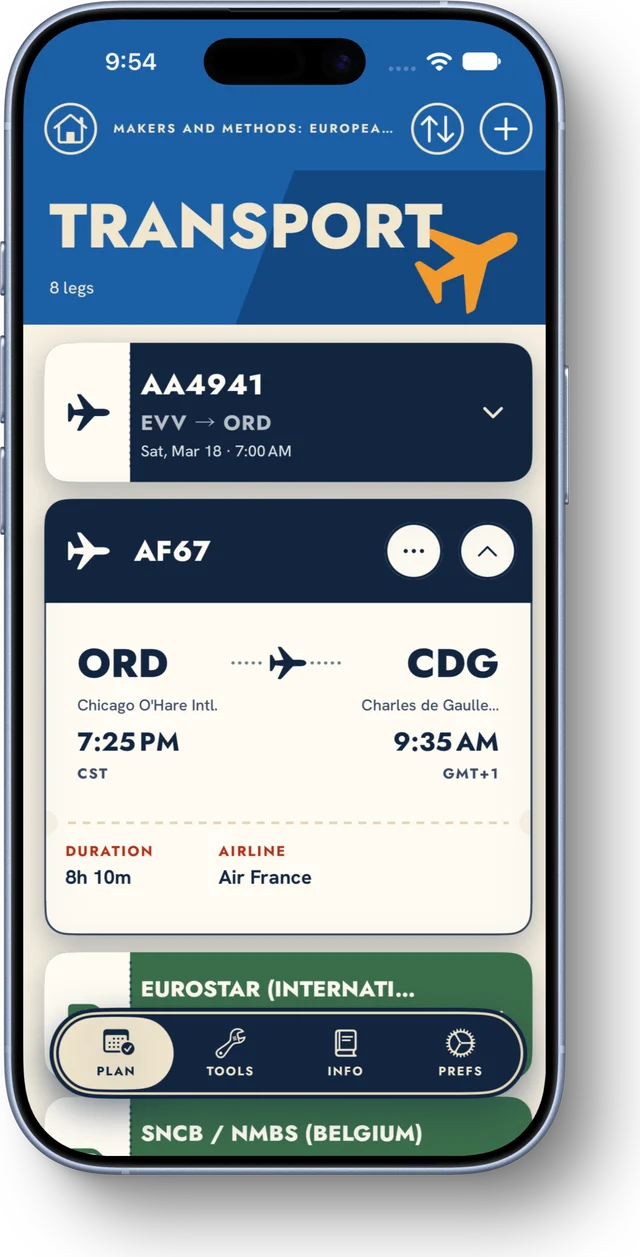
PlanPad Transport screen on iPhone: flight AA4941 from Evansville to Chicago, then Air France AF67 from Chicago O'Hare to Paris Charles de Gaulle, 8 hours 10 minutes, followed by Eurostar and Belgian rail legs.

Help, before you need it.

Local emergency numbers and your embassy’s contact details stay on your device for offline use, alongside practical safety tips.

Destination tips and common local phrases read like excerpts from a vintage guidebook.
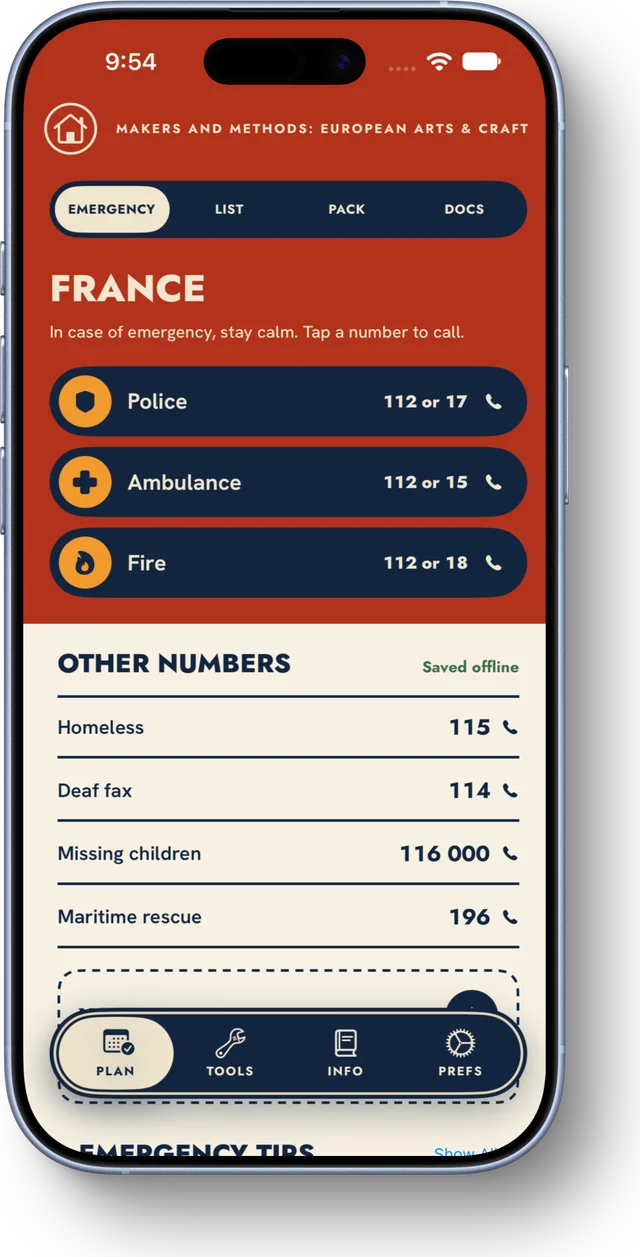
PlanPad emergency screen for France: one-tap numbers for police, ambulance and fire, plus other numbers such as deaf fax, missing children and maritime rescue.

Plan it together.

Invite family or travel companions with iCloud sharing and choose what each person can do. Talk it over in Trip Chat, settle it with a poll, and split shared costs as you go.

Group planning is part of PlanPad Passport.

  • Participant permissions
  • Trip Chat for the whole group
  • Polls to settle the plan
  • Group expenses and cost splitting

Everything else in the bag.

The smaller tools that make a trip go smoothly, all in the same app.
  • WeatherForecasts for where each day takes you. Passport
  • CurrencyConvert currencies with live exchange rates. Passport
  • BudgetTrack expenses in multiple currencies, with cash-register totals. Passport
  • ListsTo-do, packing and document lists for every trip. Passport
  • ExportMaps to KML and GPX for free; the full itinerary as a PDF with Passport.
  • ImportBring plans in from iCal or CSV, or connect to the open-source TREK planner. TREK: Passport
  • Jet lag plannerEase into the new time zone before you land.
  • World clocksHome time and away time at a glance.
  • BackupsAutomatic backups, plus restore from a backup file.
  • Concierge AIAsk a travel concierge for ideas while you plan (add-on).
  • Trip RecapShare a recap of your trip as an Instagram post.
  • LanguagesEnglish, French, German, Japanese and Spanish.
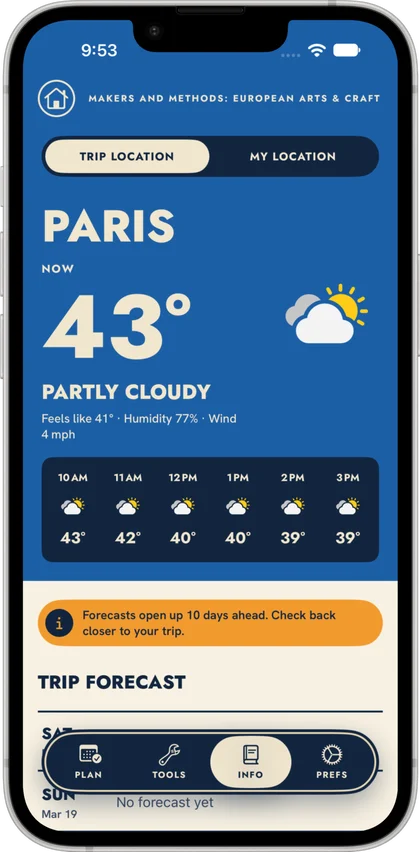
PlanPad weather for Paris: 43 degrees and partly cloudy, with an hourly forecast.
Weather
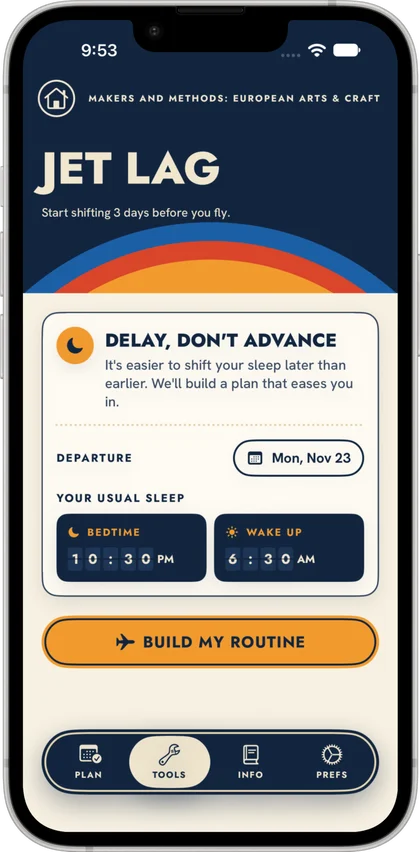
PlanPad jet lag planner: start shifting 3 days before you fly, with your usual bedtime and wake-up time.
Jet lag planner
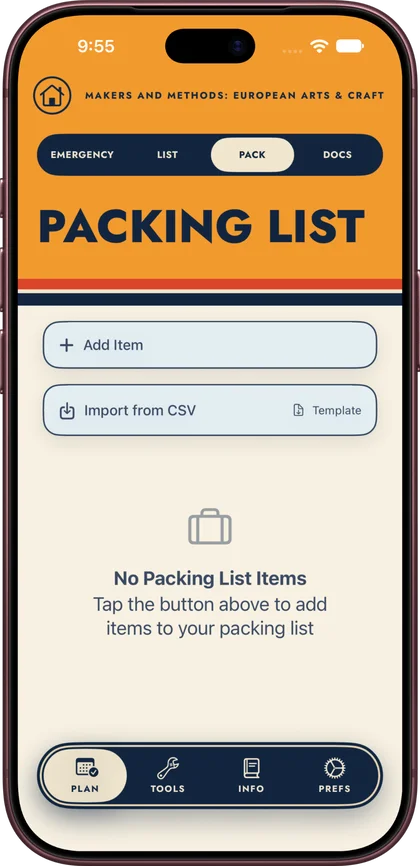
PlanPad packing list, ready for items to be added or imported from CSV or a template.
Packing list
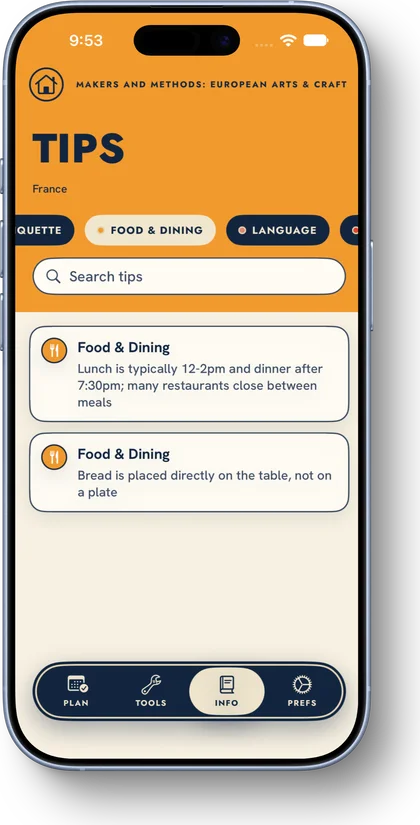
PlanPad tips for France, with food and dining etiquette notes.
Tips
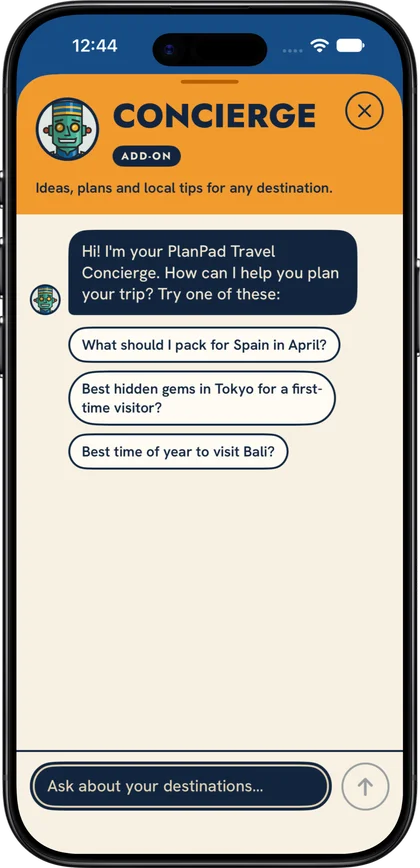
PlanPad Concierge add-on: a chat offering ideas, plans and local tips for any destination.
Concierge

Your trips live in your iCloud.

PlanPad stores and syncs your plans with Apple’s CloudKit, inside your own iCloud account. There’s no PlanPad server holding your trips, your data is never sold, and app analytics are anonymous.
Read the privacy policy

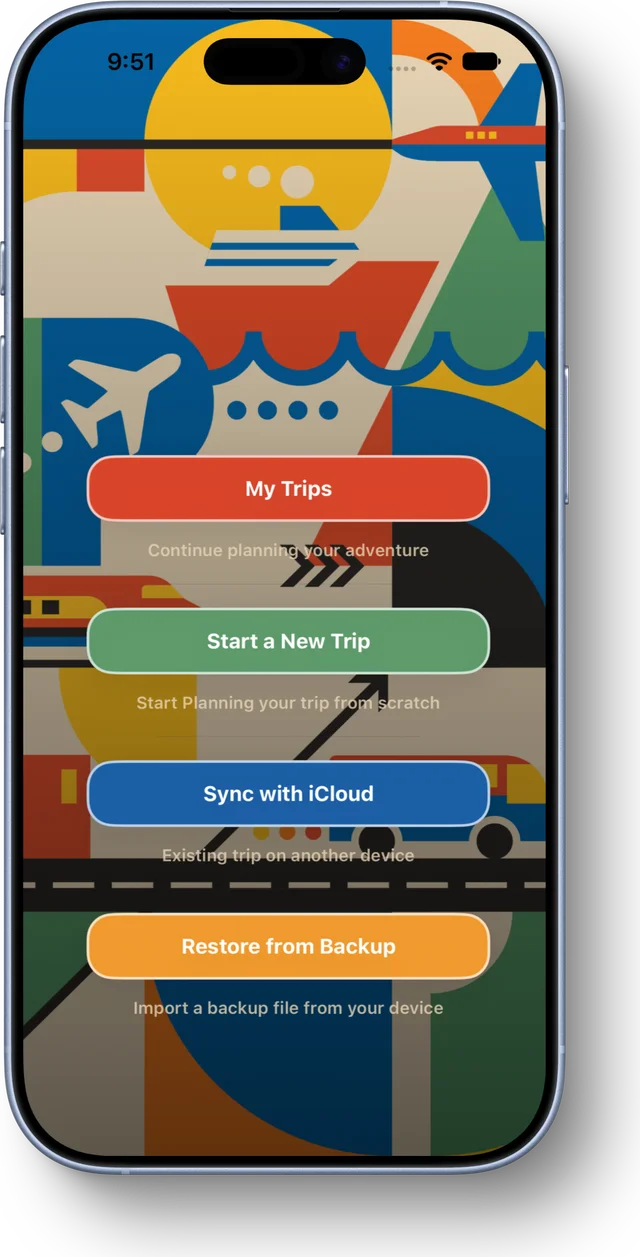
PlanPad start screen in a mid-century travel poster style, with buttons for My Trips, Start a New Trip, Sync with iCloud and Restore from Backup.

Free to fly. Passport for the full trip.

Plan up to three trips for free. Upgrade to Passport for unlimited trips, flight tracking, your travel budget and planning with others.

Free

$0

  • Up to 3 trips
  • Day-by-day itineraries
  • Maps and daily routes
  • Export to KML and GPX
  • iCloud sync across your devices
  • Backups
  • Trip Recap as an Instagram post
  • Jet lag planner and world clocks
  • CSV import

Passport

$5.99/ month

or $59.99 / year

  • Everything in Free, plus unlimited trips
  • Flight tracking
  • Share trips with others
  • Trip Chat and polls with your group
  • Expense tracking and currency converter
  • Trip weather
  • To-do, packing and document lists
  • Export your itinerary as a PDF
  • Import from TREK

Passport Lifetime

$175.99once

  • Everything in Passport, for good
  • Includes future Passport features
  • No subscription to manage

Concierge AI · A travel concierge to brainstorm and refine your plans.

$9.99

Prices in USD. Local pricing may vary by region.

Family Sharing may apply to some purchases.

Your next trip starts on PlanPad.

Download on the App Store

Requires iOS 26, iPadOS 26 or macOS 26 on a Mac with Apple silicon.

PlanPad start screen on iPad: a bold mid-century poster of a plane, a ship, mountains and a train behind the My Trips, Start a New Trip, Sync with iCloud and Restore from Backup buttons.